Measure Your Browser FPS in 5 Seconds—Free, No Signup
Measure the current browser rendering path with a free FPS checker. See frame rate, frame time, and a three-lane motion comparison in under 5 seconds— no downloads or signup. The result is a browser-session baseline, not a replacement for an in-game benchmark.
No signup • Results stay on your device • See Privacy

Why Use Our FPS Checker
Motion FPS Test
Three test objects move at different frame rates in parallel lanes, letting you visually compare motion smoothness instantly.
Frame Timing Graph
Real-time frame time analysis shows rendering consistency. Spot micro-stutters and jank with the precision timing graph.
Instant FPS Test
Get real-time frame rate measurements using requestAnimationFrame to inspect the current browser rendering path. Results appear immediately.
Works Everywhere
Our free online FPS checker runs in any modern browser. Chrome, Firefox, Safari, and Edge supported.
Privacy First
Frame measurements run locally in your browser. Analytics and future advertising disclosures are listed in the Privacy Policy.
All Devices
Test FPS on desktop, laptop, tablet, or mobile phone. Fully responsive design adapts to any screen size.
Real-Time Stats
View min, max, average FPS and frame time with live history charts during your fps test session.
Adjustable Speed
Control object movement speed from 120 to 1920 pixels per second to stress-test your display at different intensities.
What Is an FPS Checker and Why It Matters for You
An FPS checker (frames per second checker) is a tool that measures how many frames your display or browser can render in one second. FPS is one of the most critical metrics for evaluating visual smoothness, whether you are gaming, streaming video, or working with animation software. A higher FPS means smoother visuals, reduced motion blur, and a more responsive experience overall.
Our free online FPS test takes inspiration from classic motion test tools that use animated objects gliding across your screen. This visual approach makes it immediately obvious how different frame rates affect motion quality. You can literally see the difference between full-speed, half-speed, and one-third-speed rendering in our side-by-side comparison lanes.
Unlike downloadable benchmarking tools, this FPS checker works entirely within your browser using the native requestAnimationFrame API. It provides a quick snapshot of the current browser rendering path without installing software. The result depends on your display, browser, hardware acceleration and system load, so use it as a baseline rather than a replacement for an in-game benchmark.
Real-time frame timing & FPS history
How Does the Motion FPS Test Work?
Our FPS test leverages the browser's rendering pipeline to count exactly how many animation frames are produced each second. When you click "Start," three test objects begin moving horizontally across the screen in separate lanes. The top object moves at your full frame rate, the second at half, and the third at one-third of your actual FPS.
This multi-lane approach is inspired by popular online motion test tools and provides a powerful visual demonstration of how frame rate affects perceived motion smoothness. The faster lane shows buttery-smooth movement while the slower lanes appear choppy, giving you an intuitive understanding of what different FPS values look and feel like in practice.
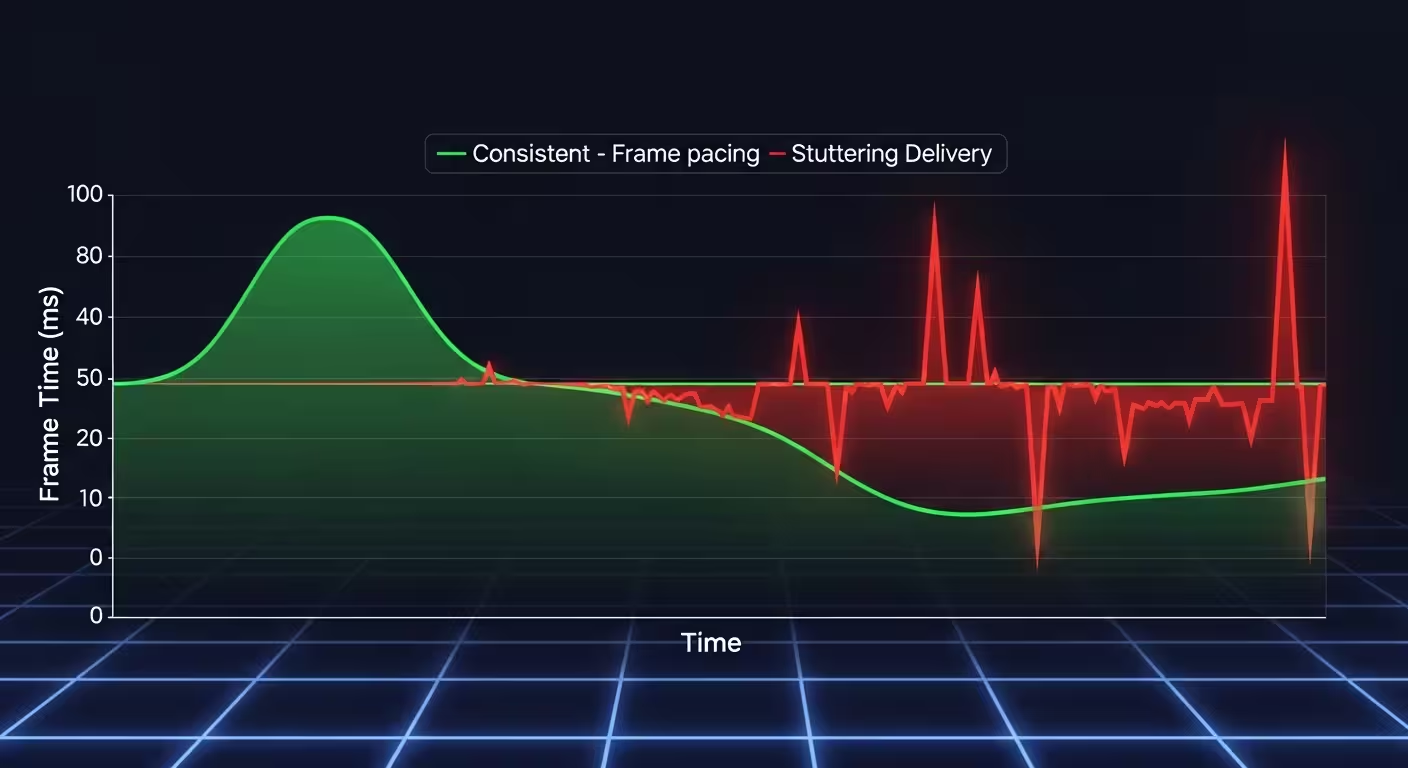
Beyond the visual motion test, our FPS checker also records per-frame timing data. The frame time graph shows you exactly how consistent each frame is, with a 16.67ms reference line marking the ideal 60 FPS target. Spikes above this line indicate dropped frames or micro-stutters that can degrade your visual experience even when your average FPS appears healthy.
The free online FPS test also tracks your minimum, maximum, and average frame rates over time, plus an FPS history bar chart that makes it easy to spot performance dips during extended testing sessions. You can also adjust the motion speed of the test objects from 120 to 1920 pixels per second to stress-test your display under different rendering loads.
Tips to Improve Your FPS
If your FPS test results are lower than expected, there are several steps you can take to boost your frame rate. These optimizations apply whether you are gaming, browsing, or running graphics-intensive applications. Run the fps checker after each change to measure your improvement.
- Close unnecessary browser tabs and background applications to free up system resources for better FPS test results. Each open tab consumes memory and CPU cycles.
- Update your graphics drivers to the latest version. GPU manufacturers regularly release optimizations that can significantly improve frame rates in both gaming and browser rendering.
- Enable hardware acceleration in your browser settings. This offloads rendering work to your GPU, often resulting in a noticeable FPS boost during the motion test.
- Lower your display resolution or scale if testing on older hardware. A reduced pixel count means less rendering work per frame, directly improving your fps test score.
- Disable browser extensions that run heavy scripts. Ad blockers and privacy tools can sometimes interfere with smooth frame rendering and reduce your measured FPS.
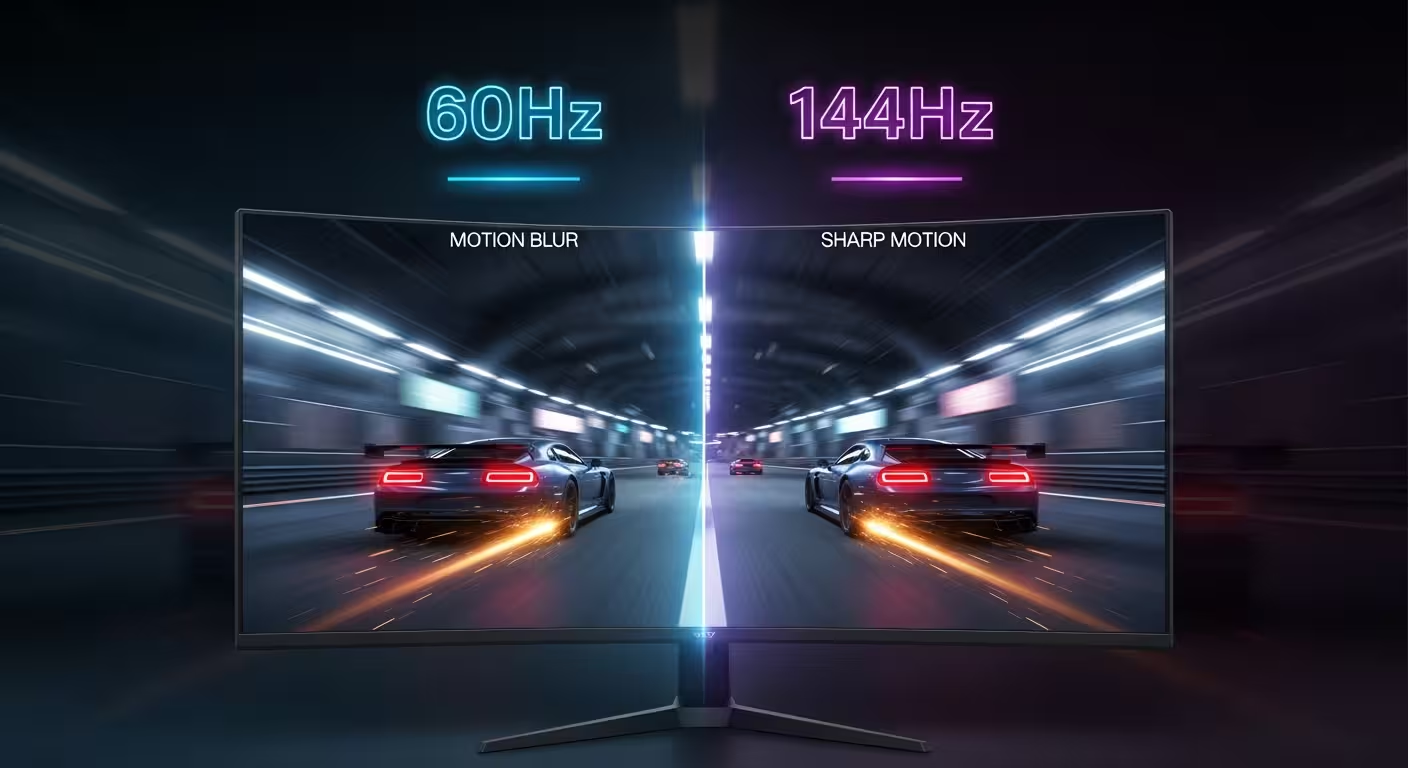
- Make sure your monitor refresh rate is correctly set in your operating system display settings. A 144Hz monitor running at 60Hz will cap your visible FPS at 60.
- For gaming, reduce in-game graphics settings like shadows, anti-aliasing, and draw distance. Use the FPS checker after each adjustment to find the optimal balance.
- Consider enabling VSync or adaptive sync technologies like G-Sync or FreeSync to eliminate screen tearing while maintaining the highest possible frame rate.
Optimize • Measure • Compare
Understanding Your FPS Results
After running the FPS test, compare your results with the ranges below. Higher FPS can make motion smoother when your display and workload support it, but stable frame delivery matters more than a peak number.
< 30 FPS
Low
Noticeable stuttering and lag. Games and animations will feel choppy. The motion in all three lanes will appear jerky. Consider closing background applications or upgrading hardware.
30-59 FPS
Acceptable
Playable for most tasks but not ideal for fast-paced content. The top lane will show moderate smoothness. Try the optimization tips above to push toward 60 FPS.
60-119 FPS
Great
Smooth performance for most applications. The full-speed lane will glide smoothly. This is the gold standard for comfortable viewing and most gaming scenarios.
120+ FPS
Excellent
Ultra-smooth visuals. All three lanes will show noticeably better motion clarity. Perfect for competitive gaming and high refresh rate monitors (144Hz, 240Hz+).
Ready to see your FPS?
Measure your current browser frame rate and motion comparison in 5 seconds.
Start FPS TestFPS Checker Blog
Guides, tips, and insights on frame rate, FPS testing, and display performance.
Understanding V-Sync: When to Use It and When to Avoid It
Learn what vertical synchronization does, when V-Sync helps and when it hurts, and how it compares to adaptive sync technologies like G-Sync and FreeSync.
Mobile Gaming FPS: Why Phones Drop Frames and How to Fix It
Discover why smartphones drop frames during gaming, how thermal throttling and background apps affect mobile FPS, and practical ways to maintain smooth performance.
Cloud Gaming and FPS: What Frame Rate Can You Expect?
Learn how cloud gaming services deliver frame rate, what limits streaming performance, and how to test whether your connection supports high FPS cloud play.
Frequently Asked Questions
Everything you need to know about our FPS checker and FPS test tool.
An FPS checker measures frames per second, a useful indicator of how smoothly a browser or application is producing visual updates. Our free online tool uses the browser's requestAnimationFrame API to measure the current rendering path without installing software. Keep the tab visible and repeat the test when comparing results.
The test counts rendered animation callbacks using the browser's native requestAnimationFrame API. That makes it useful for checking the current browser and display path, but it is not a game benchmark or a calibrated display measurement. Keep the tab visible, repeat the run, and record the conditions when comparing results.
A good FPS score depends on your use case. For general web browsing, 60 FPS is ideal and matches most standard monitor refresh rates. Gamers typically aim for 120+ FPS, especially on high refresh rate displays (144Hz or 240Hz). Anything below 30 FPS will feel noticeably choppy.
Several factors can cause lower-than-expected FPS results: heavy background processes consuming CPU/GPU resources, browser extensions running scripts, disabled hardware acceleration, outdated graphics drivers, or thermal throttling on laptops. Try closing other applications and running the FPS test again for a cleaner measurement.
Yes, our FPS checker is fully responsive and works on all modern mobile devices including iPhones, Android phones, and tablets. Mobile devices typically display 60 FPS, though newer devices with ProMotion or similar technology can achieve 90-120 FPS. The free online FPS test adapts to any screen size.
No downloads are required. The FPS test runs in your web browser. Open the test, keep the tab visible, click 'Start Test,' and review the average, minimum, maximum and frame-time history. Close heavy background work before comparing two runs.
To improve your FPS: close unnecessary browser tabs and applications, enable hardware acceleration in your browser, update your graphics drivers, lower your display resolution if needed, and disable heavy browser extensions. For gaming, reduce in-game graphics settings and ensure your system meets the recommended requirements.
While our FPS checker measures your browser's frame rate rather than in-game FPS, it is an excellent indicator of your system's baseline rendering capability. If your browser achieves high FPS, your system is likely capable of smooth gaming. For in-game FPS, use the built-in FPS counters in your games or Steam overlay.